How do I set up my brand colors for Pinterest pins on NicheTrafficKit?
Written By Kevinson Libama
Last updated Over 1 year ago
You can select a theme color for your pins by following these steps:
i.) Go to Dashboard > Pinterest > Pins
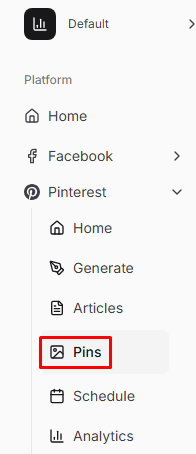
ii.) Select a suitable theme color
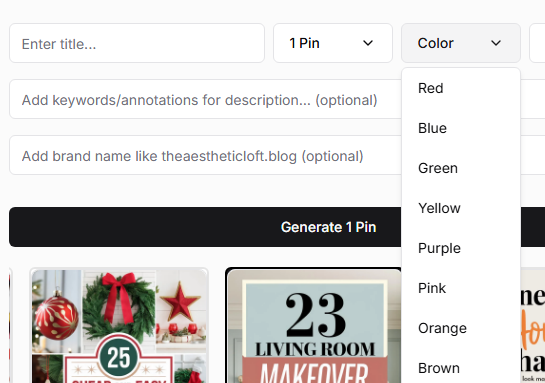
Note: The color selection applies to all pin types, except the first three (4 Pics, Magazine, and Illustration).
Was this helpful?
Still need help? Share an idea